Which movements work and which do not
| Drone movement | Tracker result |
|---|---|
| Orbit around the plot | Works well: there is a lot of perspective change |
| Slow forward movement toward the plot | Works well |
| Sideways movement | Works well |
| Vertical ascent looking at the plot | Usually works; check the result |
| Rotating in place, without moving | Tripod pan: "no depth" |
| Abrupt or very fast movement | Blurry points that the tracker loses |
Before takeoff
- Frame the whole plot and keep it within the shot the entire time.
- Look for texture on the ground: grass, paths, edges, fences. A frame filled with sky or water leaves few points to track.
- Fly smoothly and steadily. Many drones have slow flight modes (for example, Cine or Tripod on DJI drones) that help keep the movement uniform.
- Do not change the zoom during the shot. If you do, change Shot Type to Variable Zoom in the tracker.
- Record a few extra seconds at the beginning and end. Then use only the segment you need: tracking fewer seconds is faster.
In After Effects: three settings that save time
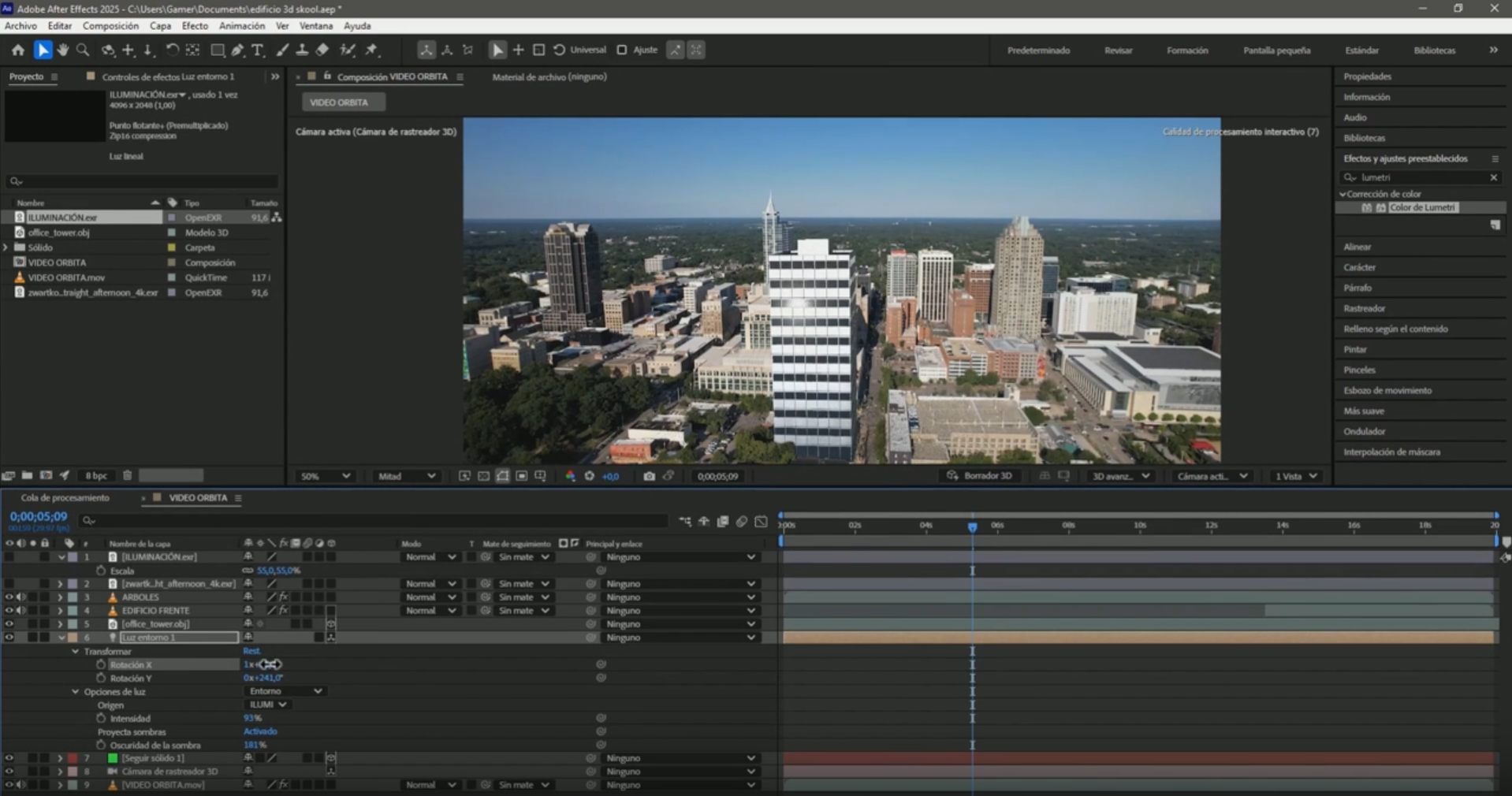
- Composition the same size as the video. If you film in 4K and deliver in 1080, do not scale the tracked layer: precompose and scale the precomp. Otherwise, the error "layer size must match composition size" appears.
- Detailed Analysis under Advanced for orbits and long shots: it takes longer, but tracks better.
- Solve Method. If Detect Automatically gives a tripod pan, change it to Mostly Flat Scene and, if that does not work, to Typical.
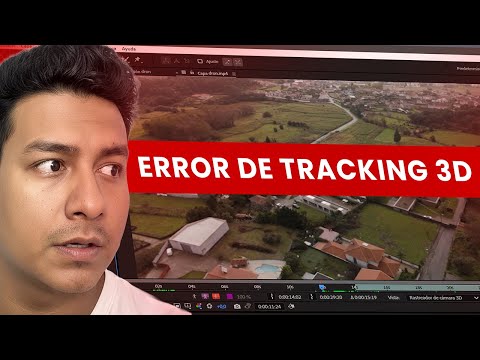
The four most common errors and their solutions are in the article on 3D Camera Tracker errors.
Common mistakes
- Filming only rotations from a fixed point: they work for panoramas, not for anchoring text to the land.
- Shots that are too fast: blur erases details and the tracker loses the points.
- Choosing points on trees or tall houses for text that belongs on the ground: the text floats or slides.
- Scaling an already tracked video: the layer size error comes back.
Frequently asked questions
Why does the tracker say there is no depth?
Because the camera rotated without moving and After Effects solved it as a tripod pan. Change the Solve Method or film with an orbit or translation.
What is the best drone shot for tracking?
A slow orbit around the land, with the lot always in the frame and textured ground.
Does a top-down shot, looking straight down, work?
It can work if the drone moves; since the scene is almost flat, try the Mostly Flat Scene Solve Method.
Does video resolution matter?
More resolution gives more detail to track, but the composition must be the same size as the video to avoid errors.
With a well-filmed shot, continue with how to mark a plot of land in a drone video.