What it means to "mark" a plot of land
- Outline: a line that draws the boundaries of the lot and is animated to appear.
- Color fill: the lot area is painted with a semitransparent color that appears and disappears.
- Measurements or price: text with the area or price attached to the land.
- Floating land: the lot lifts off the ground and comes back down to attract attention.
- Access route: a line that follows the street or road leading to the project.
- Overlaid site plan: the subdivision plan placed over the real land.
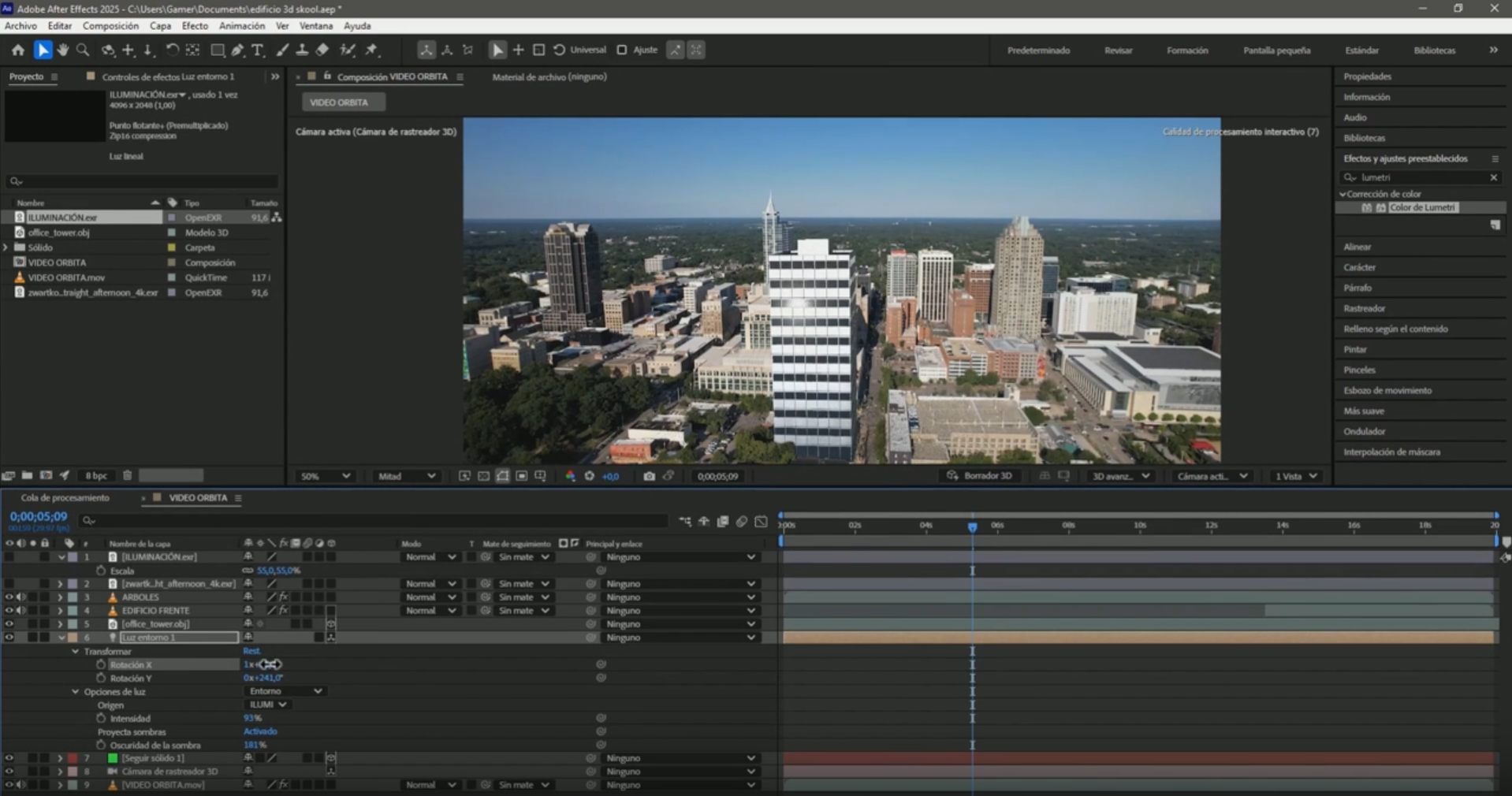
The two tools: Mocha and the 3D Camera Tracker
| Mocha AE | 3D Camera Tracker | |
|---|---|---|
| What it does | Tracks a flat shape (the land) frame by frame | Calculates the camera movement in 3D |
| What it is for | Land masks: outline, fill, floating land | Anchoring text, solids and lines to the ground: measurements, price, routes |
| Where it is | Animation → Track in Boris FX Mocha | Right-click the video → Track Camera |
| When it fails | If the land leaves the frame or gets covered | If the shot only rotates in place and has no depth |
Most real estate videos use both: Mocha for the shape of the lot and the tracker for the text showing the area.
What drone shot you need
- The whole plot is visible throughout the scene.
- The movement is smooth: orbit, slow forward movement or sideways movement.
- Use only the segment you need: tracking a whole minute when you will use 10 seconds consumes time and resources.
If you have not filmed yet, review how to film with a drone so the tracker works.
The basic workflow, step by step
- Trim the segment you will use and adjust the composition to that segment.
- Duplicate the video. One copy will be the land and the other the background.
- Isolate the land with Mocha: draw its corners with the pen tool, track forward and backward, correct the frames where the shape shifts and create the mask from Matte.
- Animate the outline with Stroke or the Vegas effect, and ease the keyframes with F9.
- Add the information (area or price) with the 3D Camera Tracker: choose 3 to 5 points on the land and create text and a camera.
- Export from Adobe Media Encoder.
Which tutorial to follow for each effect
| You want… | Tutorial |
|---|---|
| Outline, color and area over a lot | Animate measurements and text over a plot of land |
| A glowing outline and land that rises | Animate the outline of a plot of land |
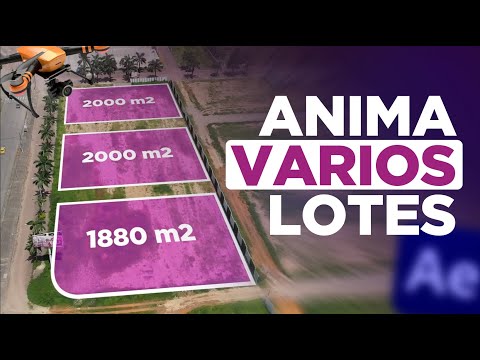
| Measurements of several lots in an orbiting shot | Animate measurements of several plots |
| Floating land | Make a plot of land float with Mocha |
| The street or road route | Mark the route of a road |
| The subdivision plan over the land | Animate a site plan over a plot of land |




Common mistakes
- The shape drifts off the land in Mocha: pause, correct the points in that frame and continue tracking from there. Avoid filling the mask with keyframes or the edges will move in jumps.
- The text drifts off the ground: choose tracker points on the land, not on trees or houses, and move the text only with the gizmo arrows.
- A red tracker banner appears: review the 3D Camera Tracker errors and how to fix them.
Can you do it in CapCut or on a phone?
Phone editing apps and CapCut let you draw an outline and move it with keyframes or 2D object tracking. It works in short, stable shots. What they do not have is a 3D Camera Tracker like the one in After Effects, so in orbiting shots or with changes in perspective the outline and text drift off the land.
Frequently asked questions
Which program do I use to mark a plot of land in a drone video?
After Effects, with Mocha AE for the shape of the land and the 3D Camera Tracker for the text. Both are included.
Do I need paid plugins?
No. Mocha AE and the 3D Camera Tracker come with After Effects.
Can I show the lot price instead of its area?
Yes. Text anchored with the tracker can show the area, price or any information about the lot.
Which drone movement works best?
A smooth one where the whole plot is visible: orbit, slow forward movement or sideways movement. Rotating in place without moving does not give the tracker depth.
If you want to learn these effects from scratch, the free course "From 0 to your first real estate video with After Effects" starts with the basics.