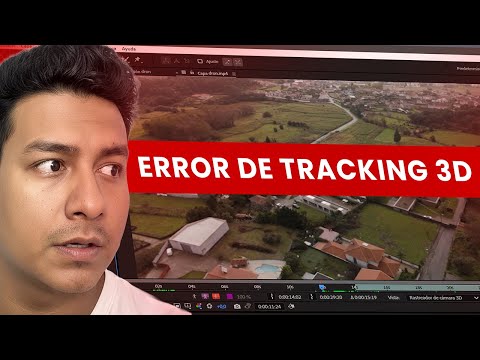
The video runs 7 minutes. Below is the same process written out step by step, so you can follow along with After Effects open without pausing every few seconds.
What you'll achieve
- Isolate the plot from the shot with a tracked mask.
- Separate the plot from the background so you can animate it.
- Raise and lower it with a smooth movement.
What you need
- Adobe After Effects (a recent version, with Mocha AE).
- A drone shot where the whole plot is visible.
Step by step
1. Isolate the plot with Mocha
Open Animation > Track in Boris FX Mocha, draw the outline of the plot with the pen and track it, fixing the frames where it drifts.
Back in After Effects, create the mask from Matte.

2. Separate the plot from the background
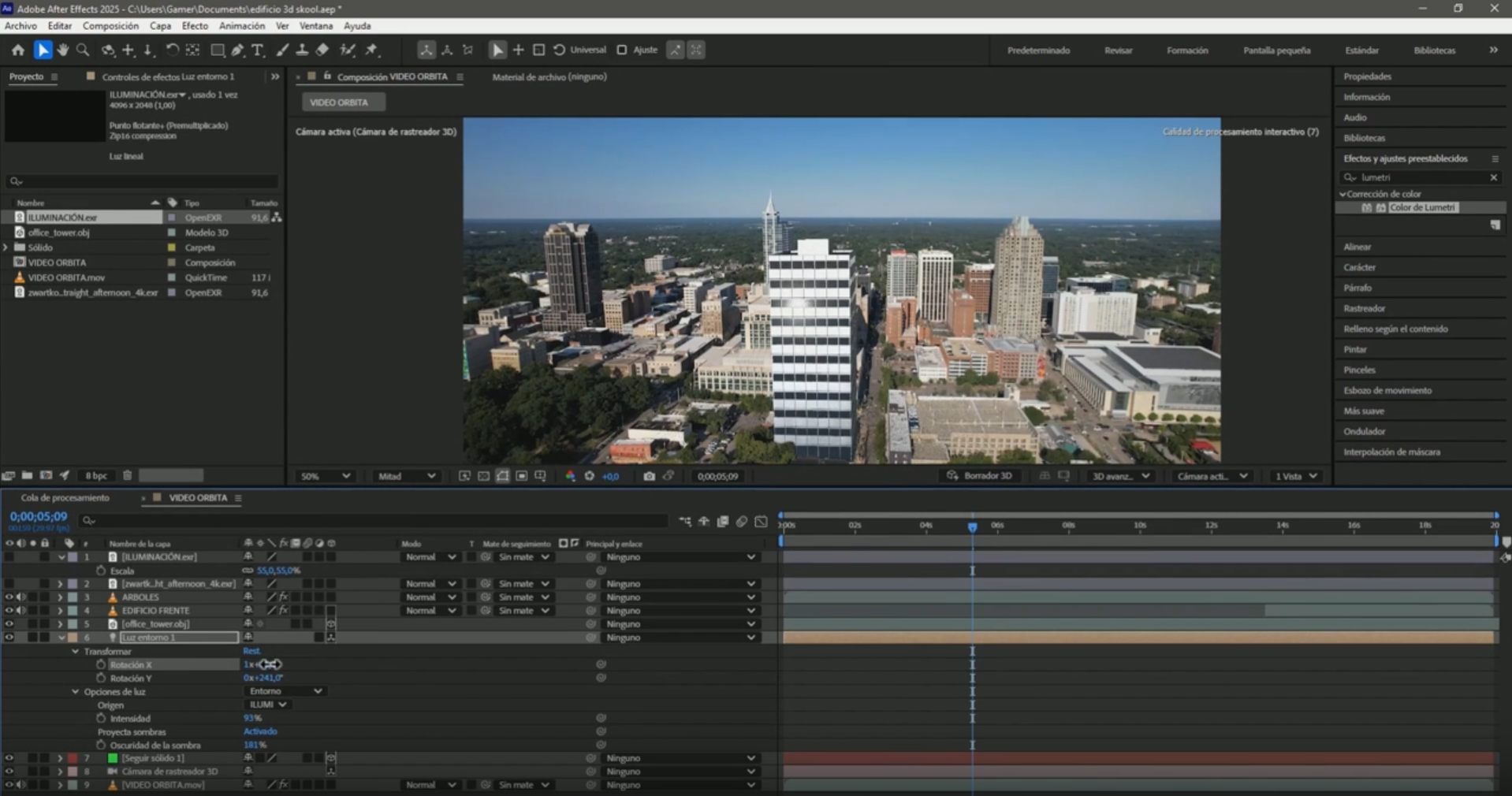
Duplicate the layer. Keep the masked one (the plot) on top, and on the lower one delete the mask so the full shot works as the background.
3. Make it rise
On the plot layer add a Position keyframe, move forward and raise it. To bring it down, copy the first keyframe and paste it further ahead.
Select the keyframes and press F9 to ease the movement.

4. Give it depth
Darken the background a little with a black solid at low opacity between the two layers, or add an outline behind the plot, so it's clear that it lifted off the ground.

Frequently asked questions
Do I need paid plugins?
No. Mocha AE comes with recent versions of After Effects.
Can I combine it with the animated outline?
Yes. The plot outline tutorial explains how to raise the plot while its outline stays on the ground.
More After Effects tutorials for real estate
- 3D Camera Tracker errors in After Effects: fixes
- Animate measurements and text on a plot of land in After Effects
- Animate the outline of a plot of land in After Effects
- Animate measurements of several plots at once in After Effects
- How to build an interactive real estate site plan in real time
All the videos are on the YouTube channel @cristhianitsme.